

Your dumpsters aren't appointments.
Your software shouldn't treat them like one.
See every job on a map and every size you've got available, in real time, then track each roll-off from drop to final pickup, what it's owed, and how long it's sat there. Not a software company that bolted a dumpster field onto a lawn-care app.
14-day free trial · no credit card · no sales callThe Founding Hauler Program
The software is brand new. The person building it isn't. WasteForge comes from 25 years in trucking, 6.5 of them running roll-off specifically, and a lot of frustration with software that never understood this business. Because the product itself is young, we want real haulers helping us get it right. In exchange, it's half price for 90 days.
The honest part: the software is new, so you'll hit the occasional bug or rough edge. That's the truth of any young product. Tell us the moment you find one and we'll fix it fast. That's the whole point of this program: building the best dispatch tool your business could have, from someone who's actually run roll-off, not guessing at it from a spreadsheet.
50% off for 90 days
Half price on your plan for your first three months, starting the day you subscribe.
Nothing charged today
Same 14-day free trial as everyone else. No card required to start, no surprise charge.
Your price, locked for life
Leave us an honest review any time after your discount period and we lock in that day's price for your business, for good.
A direct line to the founder
Find a bug or something that's not quite right? It goes straight to the person building this, not a ticket queue, and gets fixed fast.
One honest check-in a week. That's it.
No contracts, no minimum term, no calls to schedule.
- Rate how the week went and flag anything that felt off.
- Report bugs or issues: we'd rather hear it from you than lose you to it.
- Be honest, even when it's critical. That's the whole point.
- 01Open to the first 10 businesses who sign up this way. After that, the program is closed, no exceptions.
- 0250% off your plan for your first 90 days.
- 03In exchange, one quick check-in per week from your Settings page.
- 04Go more than 10 days without checking in and the discount automatically pauses to full price. It turns back on the moment you check in again.
- 05After the 90 days, you move to full list price either way. The discount doesn't continue on its own.
- 06Any time after that, leave an honest review and we lock in that day's price for you, for life.
- 07No card required to start, nothing charged today.
Every other tool gets this wrong
The general field-service tools and the enterprise waste platforms fail a roll-off hauler for opposite reasons.
General field-service software
Most scheduling tools are built around a technician visiting once and finishing a job. None of them has a real concept of a physical object that gets dropped off, sits somewhere accruing time, and gets picked up later, which is exactly what a roll-off is. They weren't built for this trade, so they don't try to solve it.
No drop-off/pickup pair. No overstay billing. No "where is it right now."Enterprise waste platforms
The big waste-industry ERPs model the container correctly, but they're priced and built for large fleets: sales-quote-only pricing, months-long implementations, and reports that cost extra on top of an already-unknown bill.
Built for a fleet size most independent haulers aren't running.What running it off memory and texts actually costs you
Without WasteForge
- A driver texts asking which can he's grabbing, mid-route
- A customer disputes an overage charge and there's no photo, no signature, nothing to point to
- You find out a can's been sitting on a job for three weeks when the customer finally calls angry
- Every new hire needs a week just to learn where things are
With WasteForge
- Every driver scans in, scans out, no guessing which can
- GPS-tagged photo and a signed agreement on file before a dispute even starts
- The dispatch board shows exactly what's out, where, and for how long
- A new hire opens the app and the yard makes sense in an hour
Stop promising cans you don't actually have.
When your inventory lives in your head, it's easy to say yes to a delivery that's still sitting on a job, already damaged, or already booked. WasteForge shows what's truly available before you tell a customer yes.
- See available containers by size before committing to a customer
- Avoid double-booking containers already scheduled for another job
- Mark damaged containers unavailable so they never get dispatched
- Know what's rented, ready, or overdue at a glance
What it looks like when it's actually working
Not icons on a slide. The screens your drivers and your office run every day.
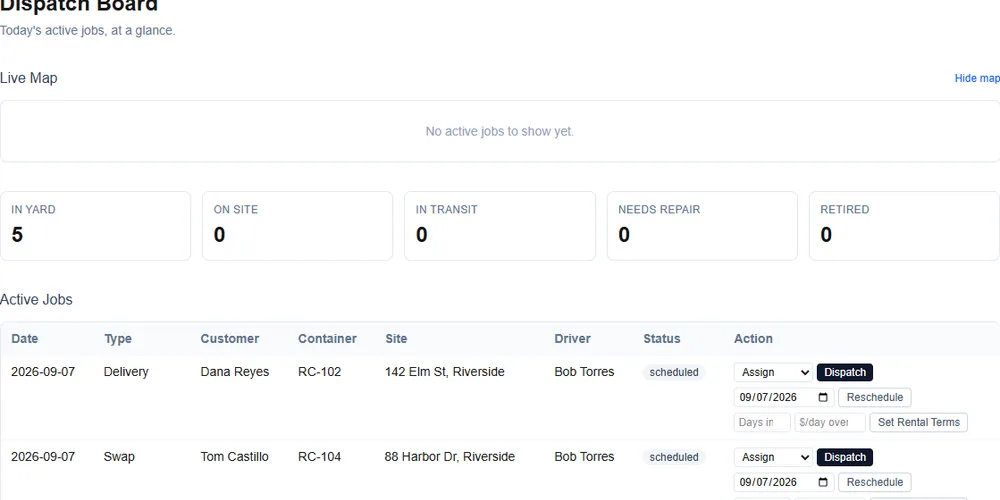
See every job before you dispatch it
One glance at the map tells a driver which can, which street, which order.
Signed before the truck leaves
A rental agreement with a name, a timestamp, and an IP on file, not a verbal okay.
Every repeat customer, remembered
Their rate, their terms, their gate code, pulled up before you even say hello.
One scan, no guessing
Every can gets a code. A driver scans it instead of hunting for a stencil number.
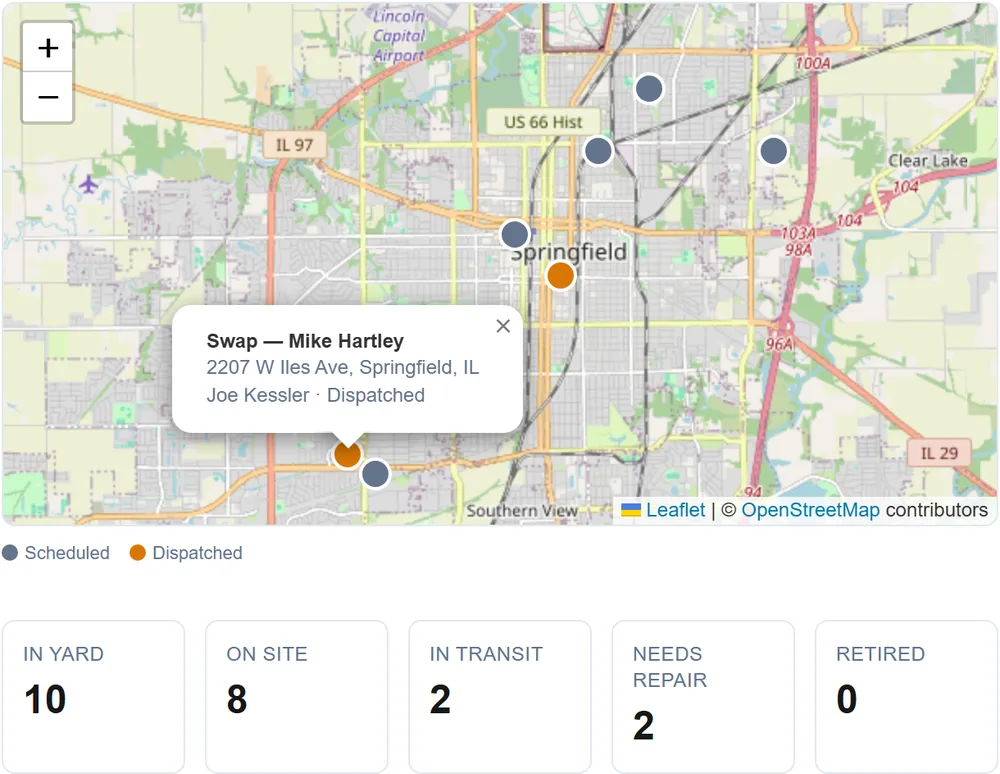
Every active job on a map. Every size, counted, before you book.
The dispatch board opens with a live map, one pin per active job, color-coded by status, sitting right above a real-time count of what's available by container size. Both pull from the same records you're already keeping; there's nothing new to enter.
- Color-coded pins for scheduled and dispatched jobs, click for the details
- "Available right now" broken out by size, so you know before you promise a customer a can
- Zero setup: same container and order data you already track, just finally visible
Built around how a roll-off actually moves
Every screen starts from the container, not the calendar.
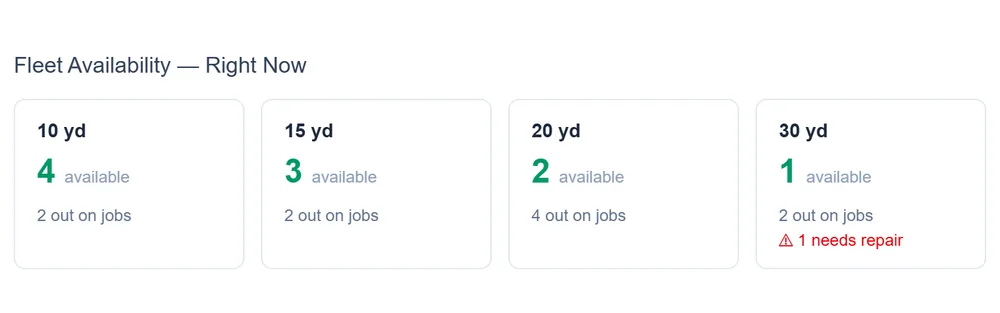
Container-first dispatch
Every can is a real object with a status (in the yard, on a site, in transit, needs repair), not a box on someone's calendar.
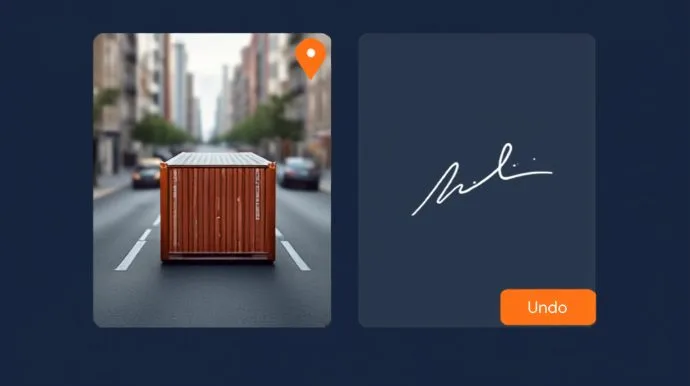
Driver app
GPS-tagged photo and a typed signature on every drop, swap, relocate, and pickup: proof on file when a customer disputes an overload, a damage charge, or "that's not what we ordered." Works with no signal: drivers still see their jobs and log drops and pickups. Everything syncs when service comes back.
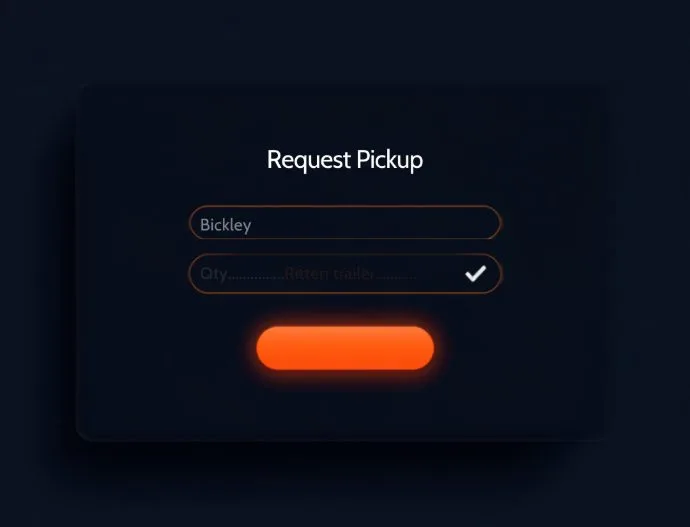
Customer self-service
Your customers request a swap or a pickup from their own link, no phone tag, no hold music, and it still lands in your approval queue.
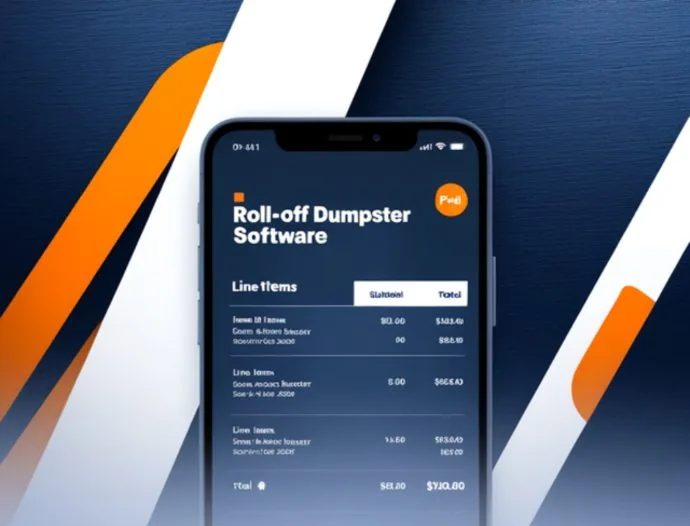
Real billing
Quotes, itemized invoices, AR aging, partial payments, and a rate card that suggests a price instead of making you remember one.
Know your real profit
Revenue, real costs (fuel, disposal, payroll, maintenance), and net margin for any date range, not just what's invoiced. Download a CSV or a printable P&L any time, or give your outside accountant their own view-only login that sees the numbers and nothing else.
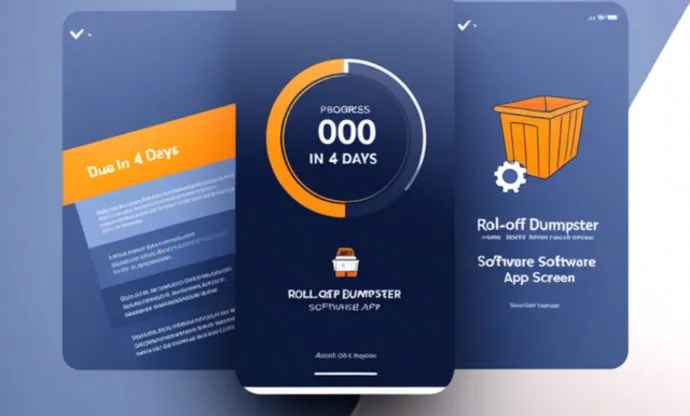
Preventive maintenance
Set an interval per can and the app tells you when one's due, right on the dispatch board, before it becomes a breakdown.
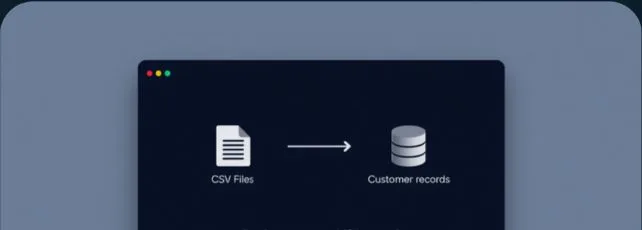
Switch without starting over
Import your customers and containers, with their full service history, from a CSV in one pass.
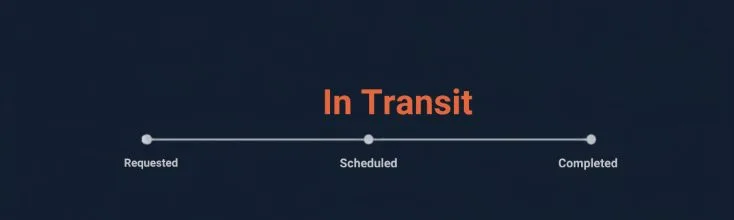
Live order tracking
Your customers see exactly where a job stands (requested, scheduled, in transit, completed), right on their own link. No "is it coming today" calls to answer.

Answers built in
A help button right in the app walks an owner or a staffer through anything WasteForge does, no waiting on hold with us, either.
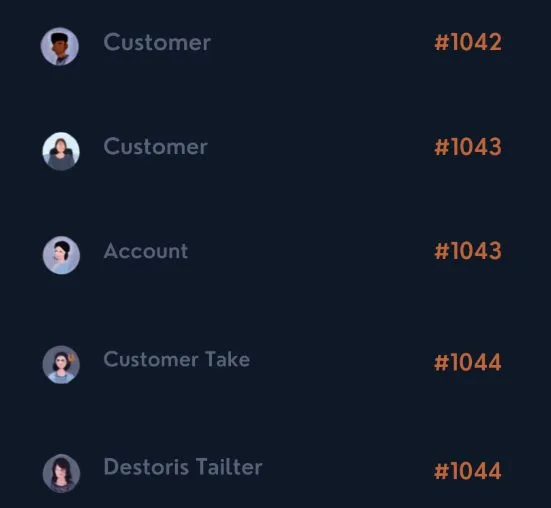
Every customer, organized
Every customer gets their own account number the moment they're added, imported, or sign themselves up, no more "which Smith is this."
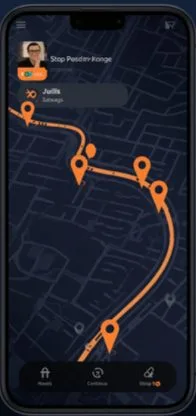
Routes that plan themselves
Set your yard once, and each driver's stops for the day fall into the shortest sensible order automatically, no dispatcher eyeballing a map, no separate routing tool to pay for.
QuickBooks sync: coming soon
We're polishing one-click QuickBooks Online sync now. Until it ships, invoices export cleanly so nothing blocks your books today.

Signed at the door
Every booking, from the customer portal or an accepted quote, captures a typed signature against your rental terms, timestamped and IP-logged. Real protection if a damage or overage charge gets disputed.
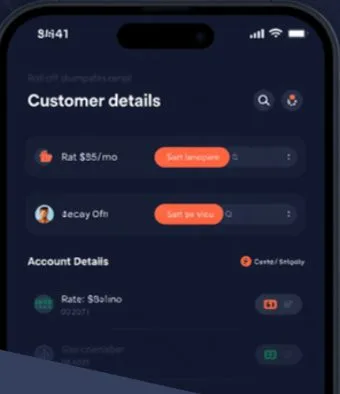
Accounts that remember the details
Set a standing price adjustment or payment terms per customer, and save every site they use, with gate codes and notes, so a driver never shows up guessing.
Launch offers and distance charges
Hand out a discount code for new or referred customers, and turn on a per-mile charge from your yard to the job site whenever you're ready. Both optional, both included.
Print a code for every can. Or keep the stickers you've already got.
Every container gets a short code the moment it's created. Print a full sheet of labels in one pass, or hand-match a code to a number you're already using, no re-labeling a fleet that already has one.
- Drivers scan with their phone's camera, no separate hardware
- A typed search covers a can that isn't wearing a code yet
- Real camera scanning, not a guess based on a blurry photo
One flat price. No sales call.
Published, right here, the way it should be everywhere else.
First 10 haulers: 50% off any plan for 90 days → see the Founding Hauler Program
Everything WasteForge does, just priced for a one- or two-truck operation.
No credit card to start. No per-seat fees, no metered reports, no surprise invoice.
6+ trucks and growing? Same price logic keeps scaling with you.
Running a bigger fleet across multiple yards? This is the tier for it.
What you won't find on this bill
- A charge for adding another staff login
- A "contact sales" wall before you can even see a price
- Extra reports priced as an add-on
- A months-long implementation before you can dispatch a truck
- A push toward a fleet size you don't have yet
- A separate charge when we ship something new: it's already in your plan
Scales from 5 trucks to 50, without the enterprise price tag or wait
ServiceCore and Routeware can handle any fleet size too, but they make you go through a sales call to find out what it costs. Here's what's actually true of each, checked today.
| WasteForge | ServiceCore | Routeware | Bin Boss | |
|---|---|---|---|---|
| Pricing | Published: $99–$299/mo | Not published: book a demo | Not published: request a quote | Published: $99/mo |
| Start using it today | 14-day free trial, no call | Sales demo required | Sales process required | Demo scheduling only |
| Driver app works with no signal | Yes, in the phone's browser, nothing to install | Yes, in their mobile app | Yes, in their mobile app | Not stated on their driver app page |
| QR / barcode container tracking | Every container | Not offered | Not offered | Not offered |
| Customer sees live status & delivery photos | Self-service portal | Has a portal + photo docs; live in-transit status not shown | Not offered | Text/email updates with ETA; photos for the customer not stated |
| Preventive maintenance scheduling | Built in | Not offered | Not offered | Not offered |
| Available inventory by size before you book | Live rollup on the dispatch board | Real-time count by product & yard | Not offered | Their headline claim |
| Digital rental agreement w/ e-signature | E-signature: IP + timestamp logged | Not offered | Digital signatures, not rental-agreement specific | Captured at checkout |
| Mileage-based billing to the customer | Optional $/mile from your yard, off by default | Not offered | Not offered | Auto-calculated at booking |
| Per-customer pricing & saved addresses | Price overrides, payment terms, gate-coded addresses | Pricing by customer type; tracks customer sites | Multi-site billing; per-customer overrides not published | Adds weight-limit & per-client tax-rule overrides |
| Built for | Any fleet size, priced fair from your first truck | Established multi-truck operators | Large & municipal fleets | Small haulers |
Checked directly against each competitor's own pricing and feature pages, all four re-verified September 2026 (no-signal and customer-status rows checked October 2026). "Not offered" means the feature doesn't appear on that company's own published feature list for the relevant product area, not a claim about anything unpublished or in progress on their end.
Not retrofitted onto a container. Built around one.
No startup chasing a trend, no enterprise platform padding a contract. WasteForge exists because a roll-off container isn't a calendar entry. It's an object that gets dropped, sits, gets swapped, and comes back. Every screen here follows that fact instead of working around it.
See it running your yard.
14-day free trial, no card required. Bring your customers and containers over in one CSV pass, no months-long setup.
Start Free Trial